Your first run down the mountain
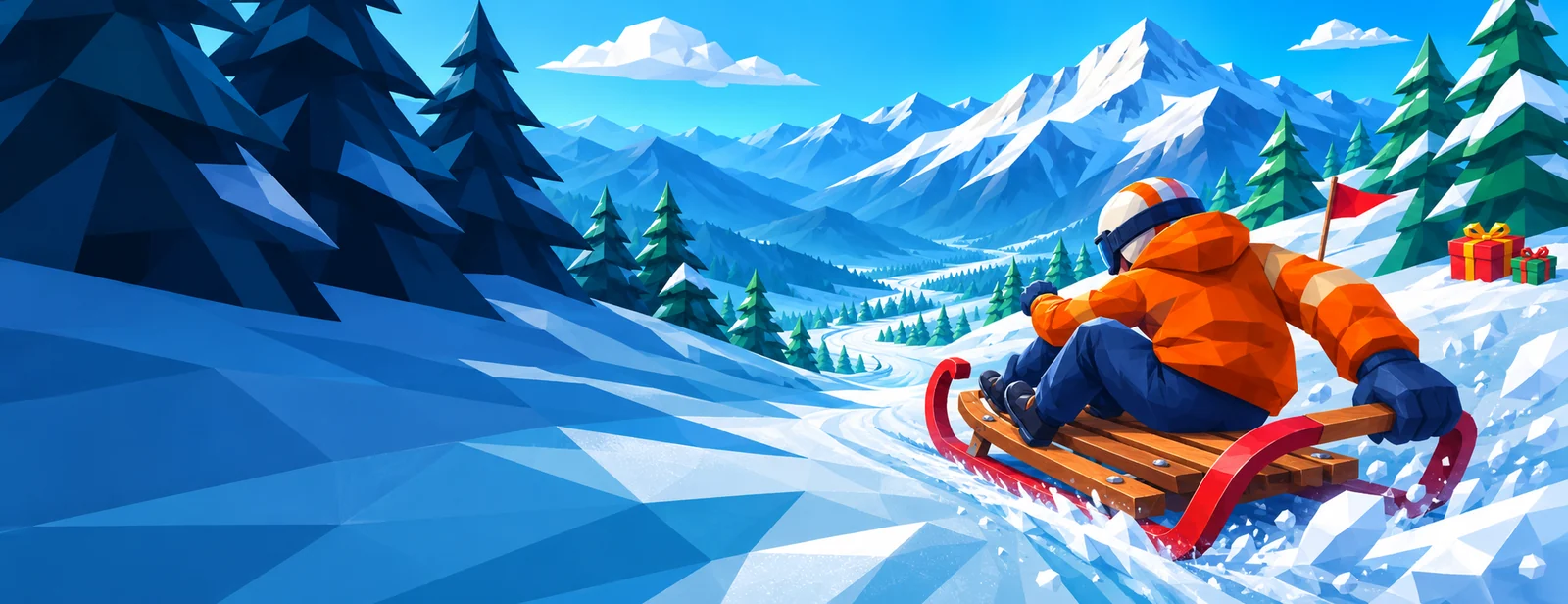
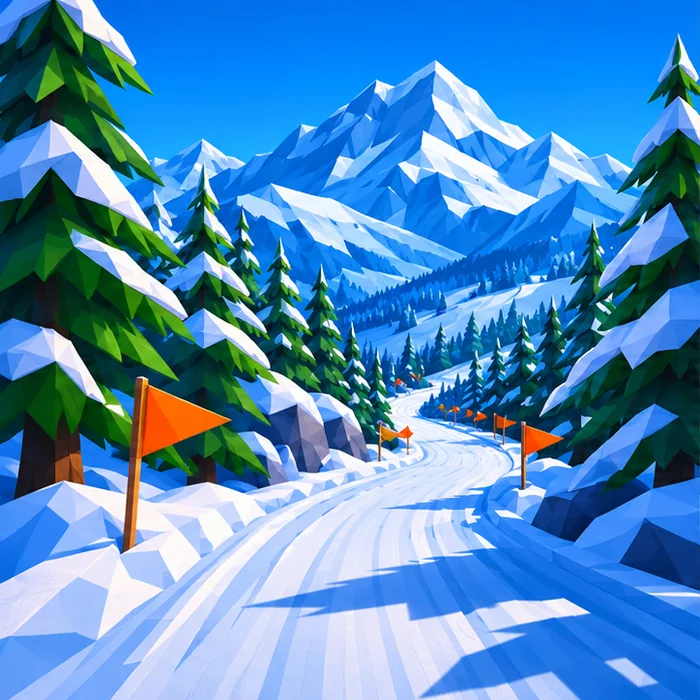
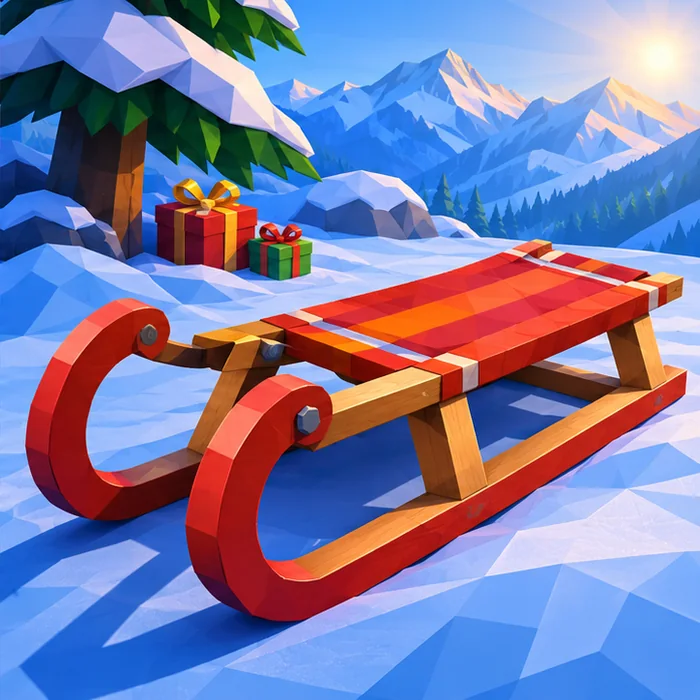
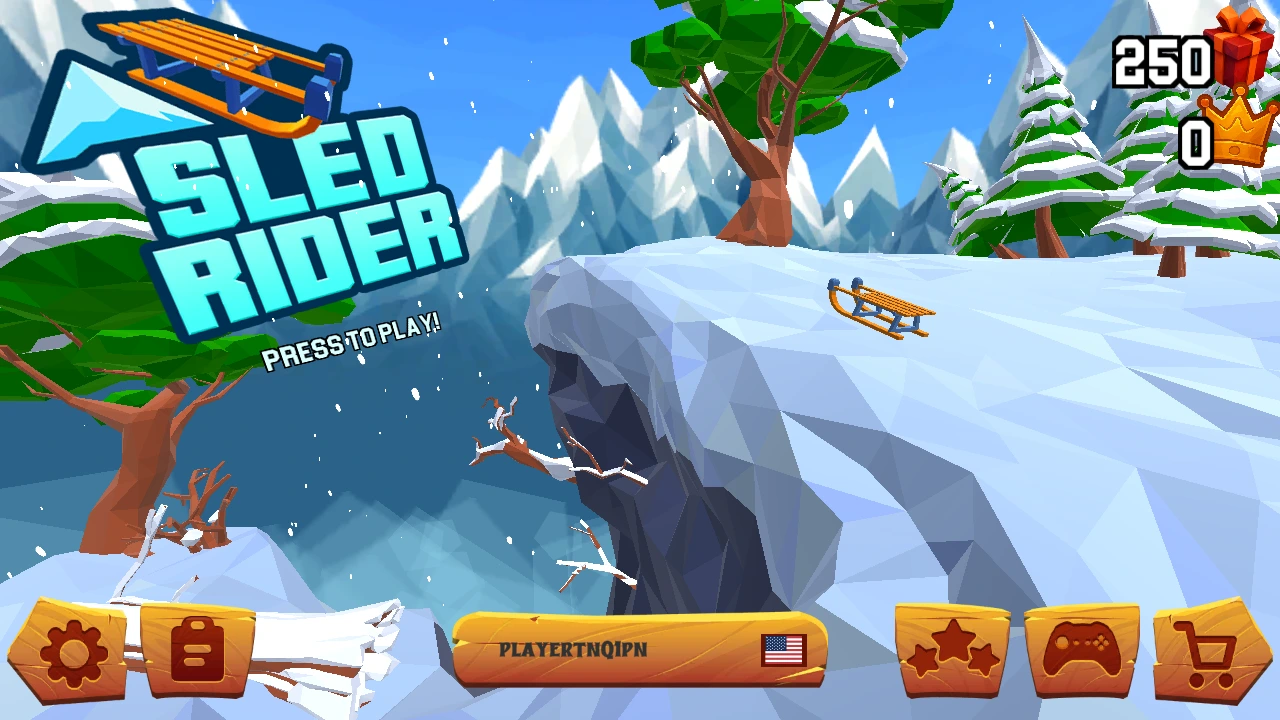
Press play and look between the two log cabins. The strip of snow below them is where your first ride begins. A moment ago your wooden sled was sitting on a ledge in the sunshine. Now you can see its orange slats at the bottom of the screen, a wall of fir trees ahead and a pair of dark rock faces closing in from either side. The sled is already moving. Pick a patch of snow you can actually reach.
Sled Rider is a free 3D endless sledding game you can play in your browser. Left and Right steer, and Up jumps. On a fresh desktop session, the game shows all three on a tutorial card. Click the prompt at the bottom of that card to begin. You can spend your first run learning how much one turn moves you, hunt for wrapped presents or see how many meters you can put between yourself and the cabins.
What an eleven-meter run taught us
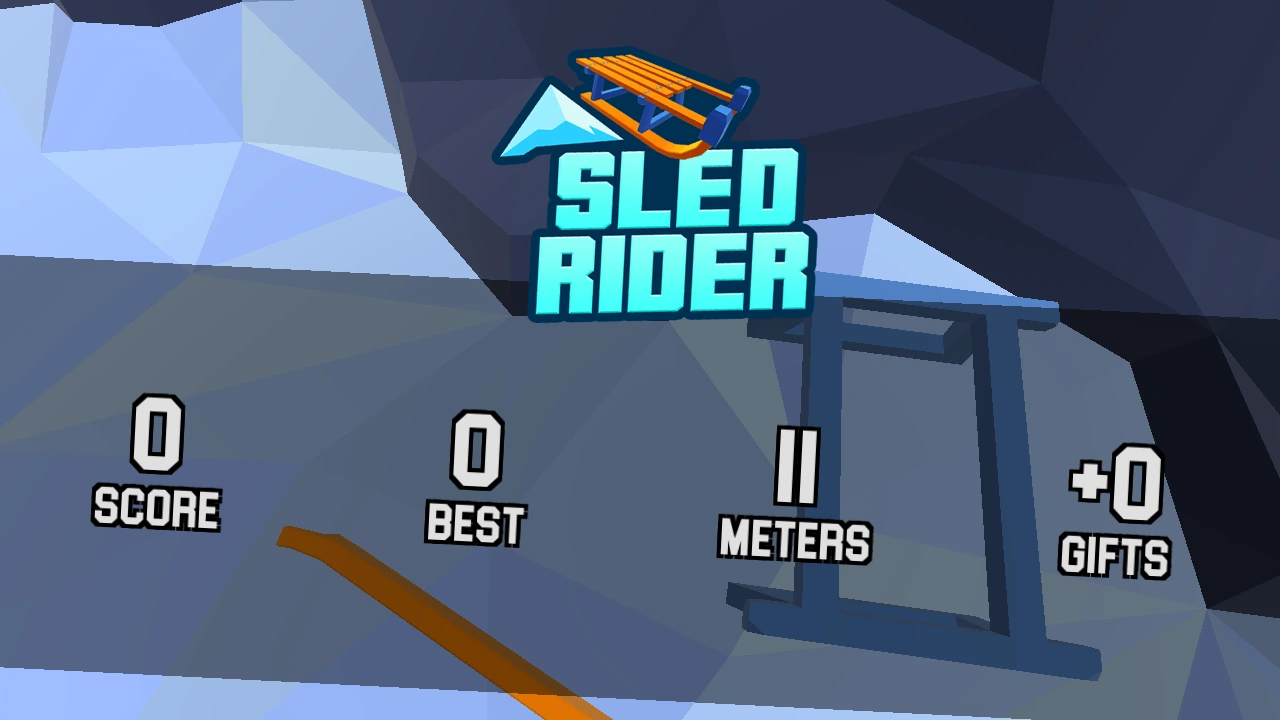
On our first trip we turned right as the track dropped into the trees. From the hilltop, the snow beside the right wall looked wonderfully empty. A few meters farther down, that dark wall filled most of the screen. We still had room to see a red present under the branches on the other side of the trail. We had run out of room to get there. The sled tipped over and its wooden slats and blue frame came apart against the rock.
The results screen counted eleven meters, zero score and zero gifts. That little trip made a good starting point for a second attempt. We had a concrete change to make before worrying about points or presents. Keep the first turn short enough to leave some open snow on both sides. If you can get past the place where your last sled fell apart, you already have something to show for the next few seconds on the mountain.
Choose a present worth collecting
Look for a little red box with a bright ribbon down among the trees. A gift close to your current path makes a good first pickup. Find the trunk nearest to it, then look for the snow you will reach after passing the box. If both are visible and the line is clear, start bringing the front of your sled toward the present. Once you have lined it up, let it come to you.
A present on the far side of a crowded stretch makes a very different offer. Picture the ride immediately after the pickup. You might need a long turn to get there and another, in the opposite direction, to avoid the next trunk. One box is a poor return for that much steering when there is still plenty of mountain ahead. Let the occasional bright red speck disappear past the side of your screen. You can go after another one when the trees open up.
Inside the sled shop
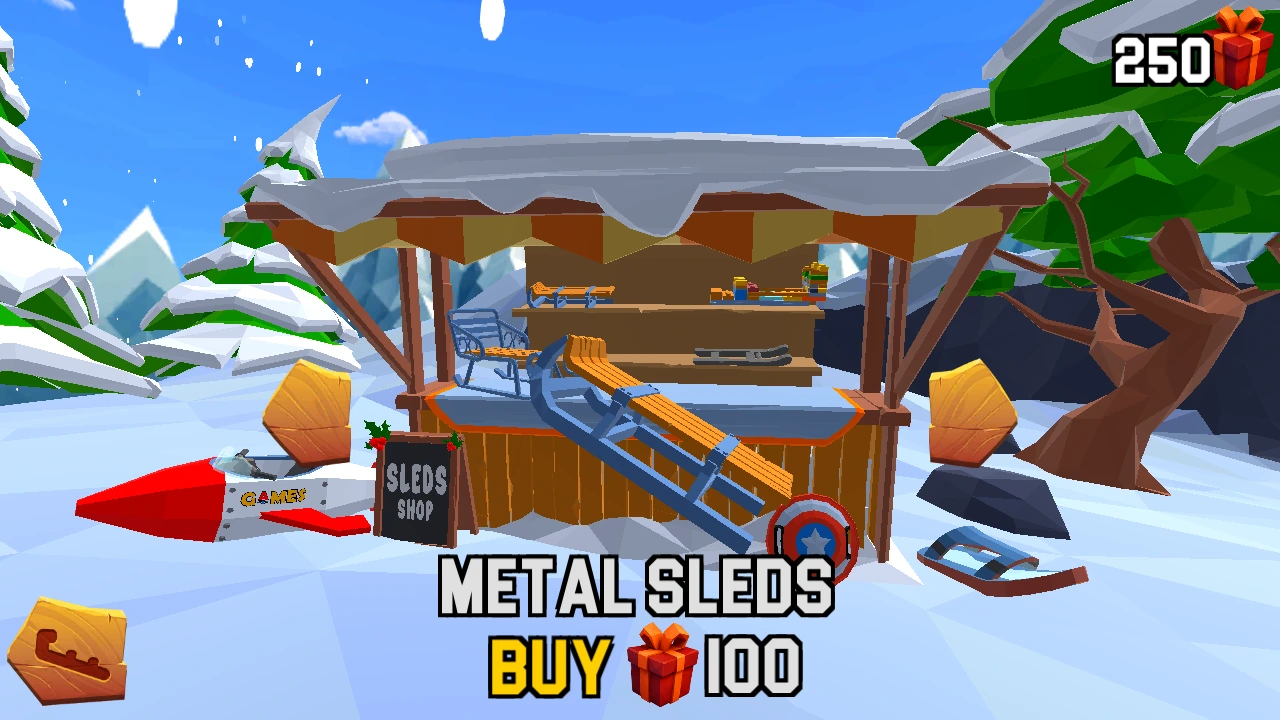
From the title screen, press the little shopping cart at the bottom right. It takes you to a wooden stall with snow on the roof. Your starting model is labeled Wooden Sleds. Use the wooden arrows on either side to browse. A large model turns in front of the counter, so you can see its runners and seat from different angles before spending any of the gifts in the top right corner.
One step to the right in our session brought up Metal Sleds. It had curved blue runners, orange slats and a price of 100 gifts. Our fresh session showed 250 in the bank. Buying it took the balance to 150, and the new sled appeared on the snowy ledge when we returned to the title screen. If you are saving for a particular model, browse first. The gift total above the shop and the price beneath the sled give you both numbers you need.
Give a run a daily mission
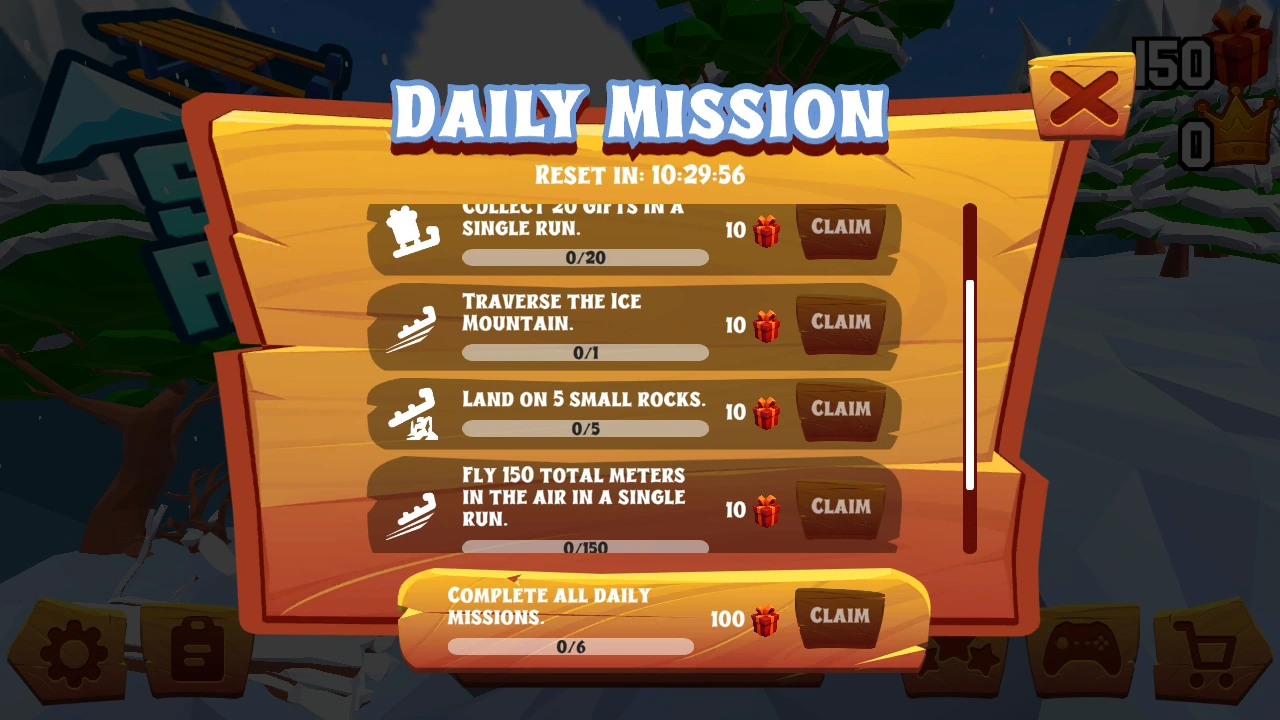
The clipboard near the bottom left of the main menu opens the Daily Mission board. Look at the wording of the objective you want to try, the progress bar beneath it and the gift reward beside Claim. The board also has a reset countdown. Checking it before setting out lets you decide whether to spend the next ride looking for boxes, picking out low rocks or trying to stay airborne across several jumps.
One of the tasks we saw asked for twenty gifts in a single run. Another asked for 150 total meters in the air in a single run. The air objective gives a familiar stretch of trail a different purpose. Find several jumps with open ground beyond them and try to fit them into the same descent. For the collection objective, take the easy boxes early so you have fewer to chase later. Check your own board for the current objectives and rewards.
Read the four numbers after a crash
Give the result panel a moment to fill in. It has four fields labeled Score, Best, Meters and Gifts. Meters tells you how far that descent took you. Gifts has a plus sign and shows what the trip earned. The gift icon at the title screen shows your spending balance. That distinction is handy after a disappointing run. Seeing plus zero on the result panel means you picked up nothing on that attempt. Your existing collection still has its own counter.
Decide which number you care about before your next start. If you want a personal distance target, remember the meters on the last panel. If you are short of gifts for a sled, take a look at the shop price and use the gift reward to measure progress. Two runs covering similar ground can feel completely different. One might finally take you past a nasty tree. The other might pay for the last few boxes you needed at the stall.
Spend fifty gifts to continue?
Our next run took us into a crowd of snowmen. Some wore black top hats and stood upright. Farther ahead, two round faces with carrot noses filled the opening we had chosen. We made it past eighteen meters before hitting the snow. This time the game offered a Continue button with a countdown, a price of fifty gifts and a smaller Skip option below it.
That choice uses the same red gift currency as the shop. If you have a promising mission underway, those extra meters might be worth the cost. If you are saving up for Metal Sleds at the price we saw, fifty gifts would use half the purchase price. We let the timer expire and kept the gifts for another ride.
A challenge to share on one screen
Try passing the keyboard between two people for three runs each. Give everyone a first ride to get used to the slope and a second to collect a gift. For the last pair of runs, agree on one number from the result panel and see who can take it higher. Taking turns on the same device also gives the person watching a job. Spot one opening in the trees or an easy red box and remember where you saw it.
Keep the suggestions for the pause between rides. A shouted instruction to turn right is surprisingly easy to follow straight into a rock when the driver has already chosen the left side. After the crash, compare what each of you was watching. The rider may have seen the closest trunk while the spectator may have noticed the next opening beyond it. Then trade places. The stretch that looked so roomy from the other chair gets a lot more interesting with the front of the sled under your own hands.